Thailand's Immigration Bureau has formally launched THIM, the Thai Immigration Application. It is the bureau's official app for foreigners and is meant to grow into a one-stop platform for immigration services. If you are visiting, or already live in Thailand on a long-stay visa, here is what the app does today, what is only planned, and how it fits with the Thailand Digital Arrival Card (TDAC).
Reviewed against Immigration Bureau TDAC guidance and published reports as of 22 October 2026.
What THIM is
THIM is run by the Immigration Bureau, which operates under the Royal Thai Police. The bureau describes it as a digital gateway for foreign nationals that covers the whole trip: preparing to enter Thailand, travelling and staying in the country, and finding tourism information and services.
The app has been on the App Store, Google Play Store and Huawei AppGallery since 1 August 2026. The official launch was announced around 1–2 October 2026. By then, according to the Immigration Bureau, THIM had recorded more than 600,000 downloads and more than 580,000 users, or 97.2% of downloads.
The bureau gave three goals for the app: improving security and data accuracy, making more use of digital technology, and supporting Thailand's tourism economy. It also pointed to the limited physical capacity of airports and border checkpoints as a reason to move services online.
What you can do in THIM today
According to the Immigration Bureau, the two main features available now are:
- Thailand Digital Arrival Card (TDAC). You can complete and submit your TDAC in the app. The TDAC is still available on the official website, so the app is a second official channel, not a replacement.
- Explore Thailand. This section links foreign nationals with travel information, services and privileges. Partner businesses offer coupons and discounts that you redeem with QR codes or promotion codes, subject to each partner's terms.
The bureau says Explore Thailand may later add information on tourist attractions, accommodation and activities.
What is planned but not yet live
The Immigration Bureau has said it plans to add these services:
- Queue Booking
- Certificate of Stay
- Visa Extension
- 90-Day Report
- Visa on Arrival at authorised immigration checkpoints
These are announced plans, not current features. Long-stay residents should keep using their current channels for extensions and 90-day reporting until the bureau confirms that the in-app versions are working. Do not let your reporting deadline slip because you are waiting for an app feature.
How THIM connects to the TDAC and auto gates
THIM is becoming part of the arrival process itself. On 15 October 2026 the Immigration Bureau released TDAC version 2026.10.00. According to the official release notes, it adds a step that checks and records whether a traveller can use the automated passport control channel. It then shows that decision in the TDAC email and sends the result to the THIM application.
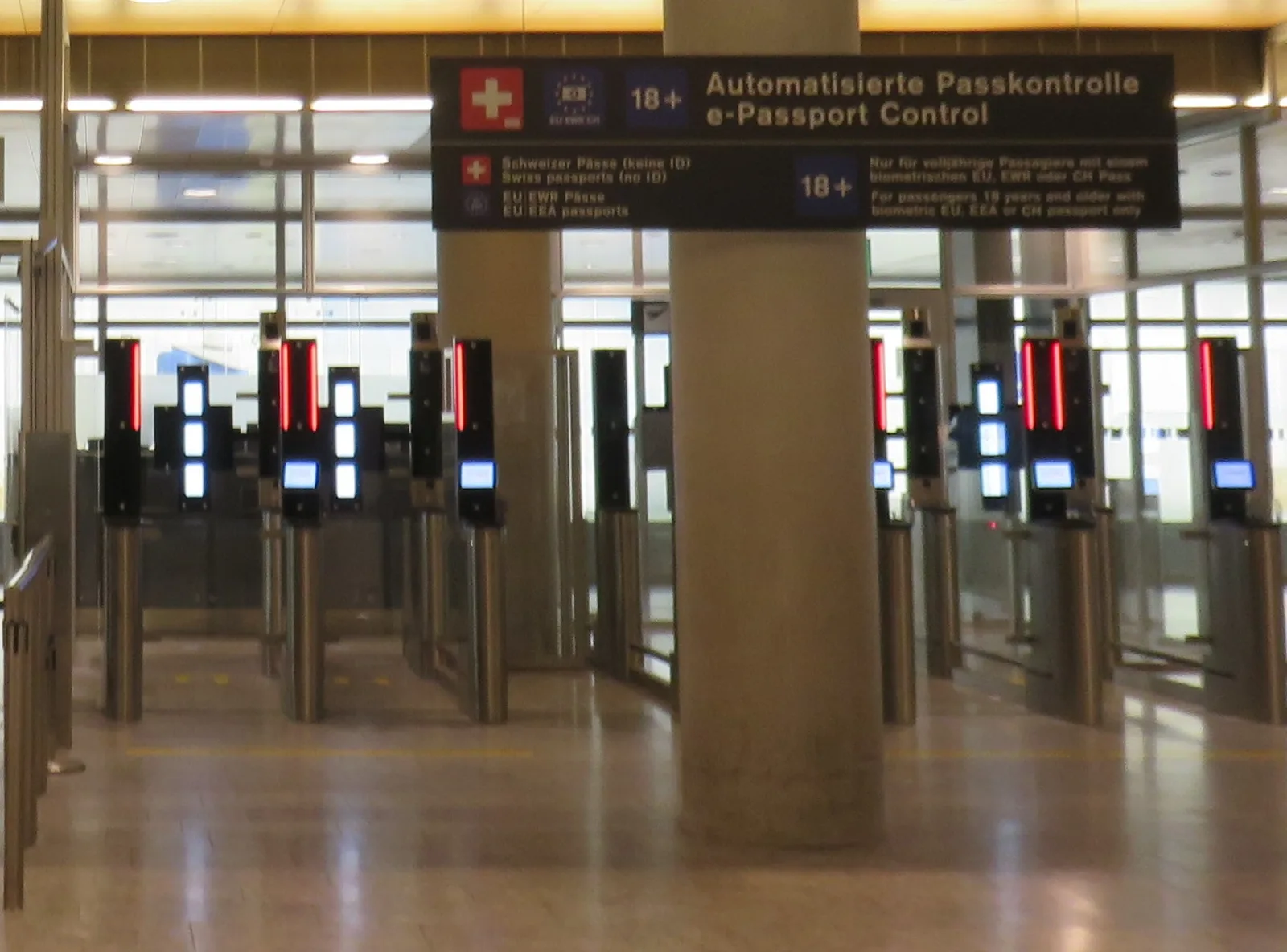
So whether you file on the website or in the app, your TDAC result can now show whether you are expected to use an automated gate or a staffed counter. At Suvarnabhumi, the arrival auto gates have been expanded to passport holders from 33 nationalities. First-time visitors still go to a staffed counter so their biometric data can be collected.
TDAC rules still apply in full
Whichever channel you use, the TDAC rules are the same:
- Submit within 3 days before arrival, including the arrival date.
- All non-Thai nationals must submit one, including infants and children.
- A TDAC is valid for one entry only.
- Up to 10 travellers can be included in one family or group submission.
- The TDAC is free. In August 2026, ministers said they had found tourists being tricked by fake websites that charge fees. Use only the official website or the official THIM app.
Security and personal data
The app handles personal and biometric information, so it is worth knowing how the bureau says it protects that data. According to the Immigration Bureau:
- THIM uses NFC to read passport data and electronic passport chips. It uses liveness detection and face comparison to verify identity.
- Data is encrypted in transit and at rest. Biometric data is stored separately from other personal information, with access controls and activity logging.
- Personal data is protected under Thailand's Personal Data Protection Act B.E. 2562 (2019) and other applicable laws.
- The system runs on cloud infrastructure in the AWS Asia Pacific (Bangkok) Region.
If you use the passport-scan step, you will need a phone with NFC and a working internet connection.
Practical tips
- Download from the official stores only. Search for the Immigration Bureau as publisher, and be wary of lookalike apps and paid TDAC websites.
- Prepare before you fly. Have your passport, flight number, arrival date and Thai address ready. The TDAC cannot be saved halfway and finished later.
- Get connected. If you plan to file or check your TDAC on your phone around arrival day, arrange mobile data before you land, for example with an eSIM set up at home. Airports also provide TDAC kiosks and Wi-Fi.
- Check your result. After submitting, check whether your TDAC email shows that you can use an automated gate.
- Treat coupons as extras. Explore Thailand offers are commercial partner deals. Read the terms before you rely on them.
Checklist
- Install THIM from the official App Store, Google Play or Huawei AppGallery listing.
- Submit your TDAC in the app or on the official website within 3 days before arrival.
- Save your TDAC email and QR code where you can reach them offline.
- Long-stay residents: keep using current extension and 90-day reporting channels until in-app services are confirmed live.
- Check the Immigration Bureau website for updates on new THIM services.
Sources
- Khaosod English, Thailand launches THIM app as digital gateway for foreigners (2 October 2026): https://www.khaosodenglish.com/featured/2026/10/02/thailand-launches-thim-app-as-digital-gateway-for-foreigners/
- Immigration Bureau, TDAC FAQ and release notes (version 2026.10.00, 15 October 2026): https://tdac.immigration.go.th/manual/en/faq.html
- Thairath English, ministers' meeting on Suvarnabhumi immigration and TDAC scam sites (17 August 2026): https://en.thairath.co.th/news/politic/2953382
- Time Out Bangkok, Suvarnabhumi auto gates expand to 33 nationalities (22 September 2026): https://www.timeout.com/bangkok/news/suvarnabhumi-airport-auto-gates-expand-to-33-nationalities-092226
- Immigration Bureau: https://www.immigration.go.th
Foreigners Thailand is an editorial guide, not a visa agency or a government service. Immigration services and app features can change at short notice. Confirm your situation with the Royal Thai Embassy or Consulate where you live, or with Thailand's Immigration Bureau, before you act.